AI help inside the IDE, without taking over

Ceres is not draining your wallet.

Ceres is built for developers who want a snappy AI coding tool inside their editor. It stays focused on the code you choose, works flawlessly with offline LLMs, supports voice dictation, and avoids turning quick edits into endless autonomous agent runs.

Local-First Design Budget-Friendly Stay Focused
Ceres logo
Ceres
Visual Studio Code Cursor
Budget-first IDE assistant with focused context, voice to text, and predictable flow.

* Free to use. License is optional.
  • budget friendly AI assistant for VS Code
  • ai edits without loops
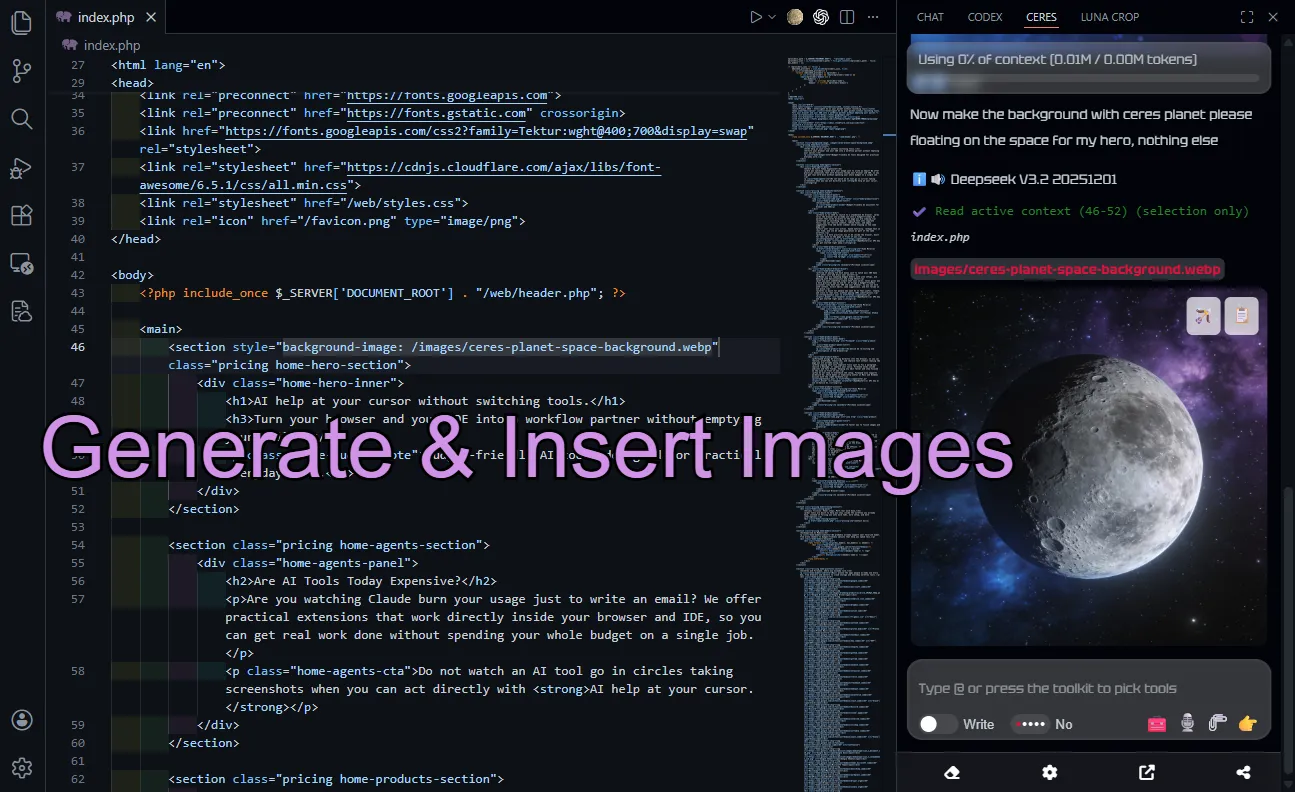
  • Image generation inside VS Code
  • DeepSeek assistant for VS Code
Local-First

Designed for Local Models

Ceres is built for local-first use. If you have worked with local models before, you already know how quickly things can go wrong: wrong edits, weak tool use, and endless tasks that keep running after the useful part is already over. Ceres stays lightweight and controlled, so local models are easier to steer and harder to derail.

Practical Cost

Budget-Friendly by Design

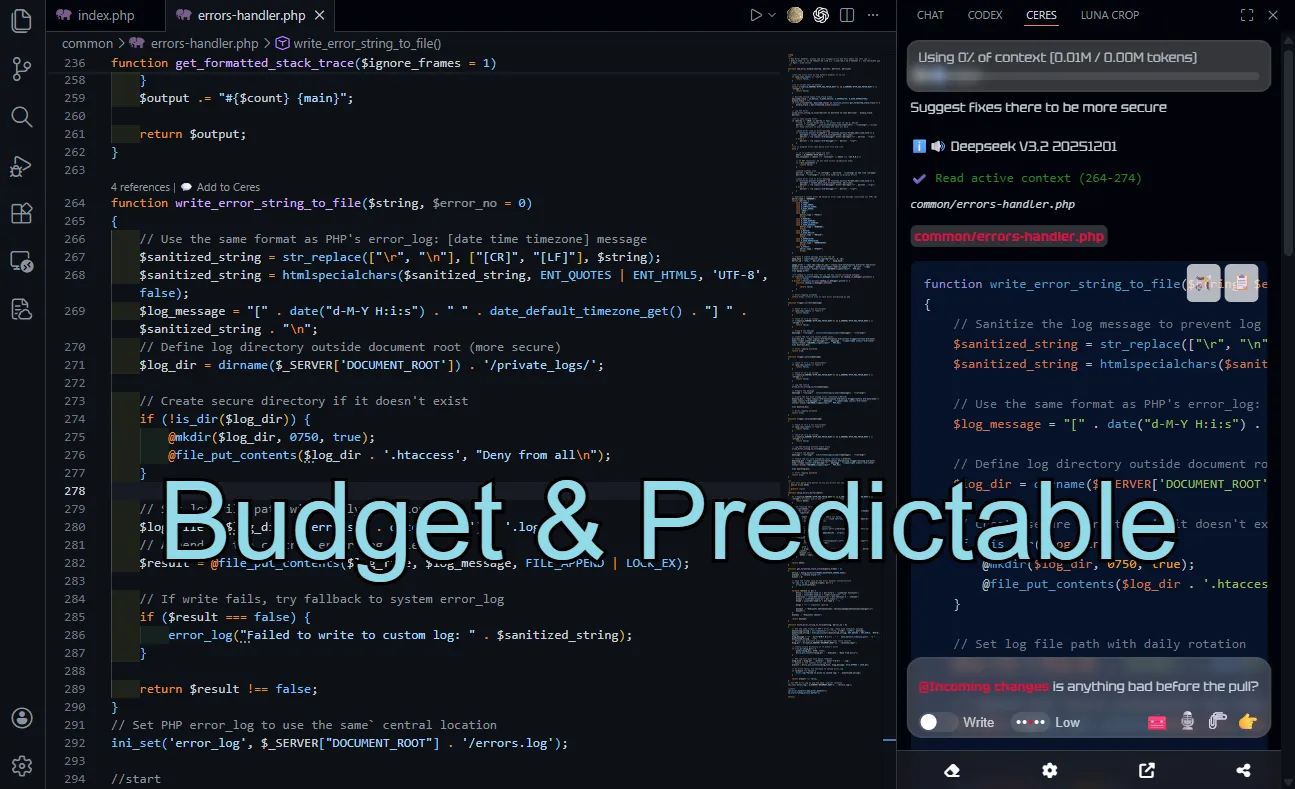
Ceres is for people who are tired of assistants that keep spinning, chaining actions, and turning small jobs into oversized sessions. You decide what to send, when to ask, and what to apply. That keeps the workflow tighter, the usage more predictable, and the tool easier to trust.

Focused Input

Always Correct Context

Ceres is built around predictable context. The user gives the assistant the right file, the right selection, or the right problem, so the assistant works from what matters instead of wandering through endless files on its own. That keeps the answer focused and stops the context window from filling up with noise you did not ask for.

Multi-Input Ready

Multi-Input Ready

Ceres reads the material you actually want to work from: URLs, PDF files, images, and broader file context from the workspace. That makes it easier to ask from real inputs instead of rewriting everything by hand.

Debugger Ready

Debugger State and Snapshot

Ceres can read a paused debugger session directly inside the assistant. Stack, variables, scopes, and exception details are available without manual copy-paste.

Ceres is made for tighter IDE workflows.

The assistant should not decide to roam across the whole project, inflate the context window, and drag a simple task into a long session. Ceres is designed to stay closer to what the user actually wants done.

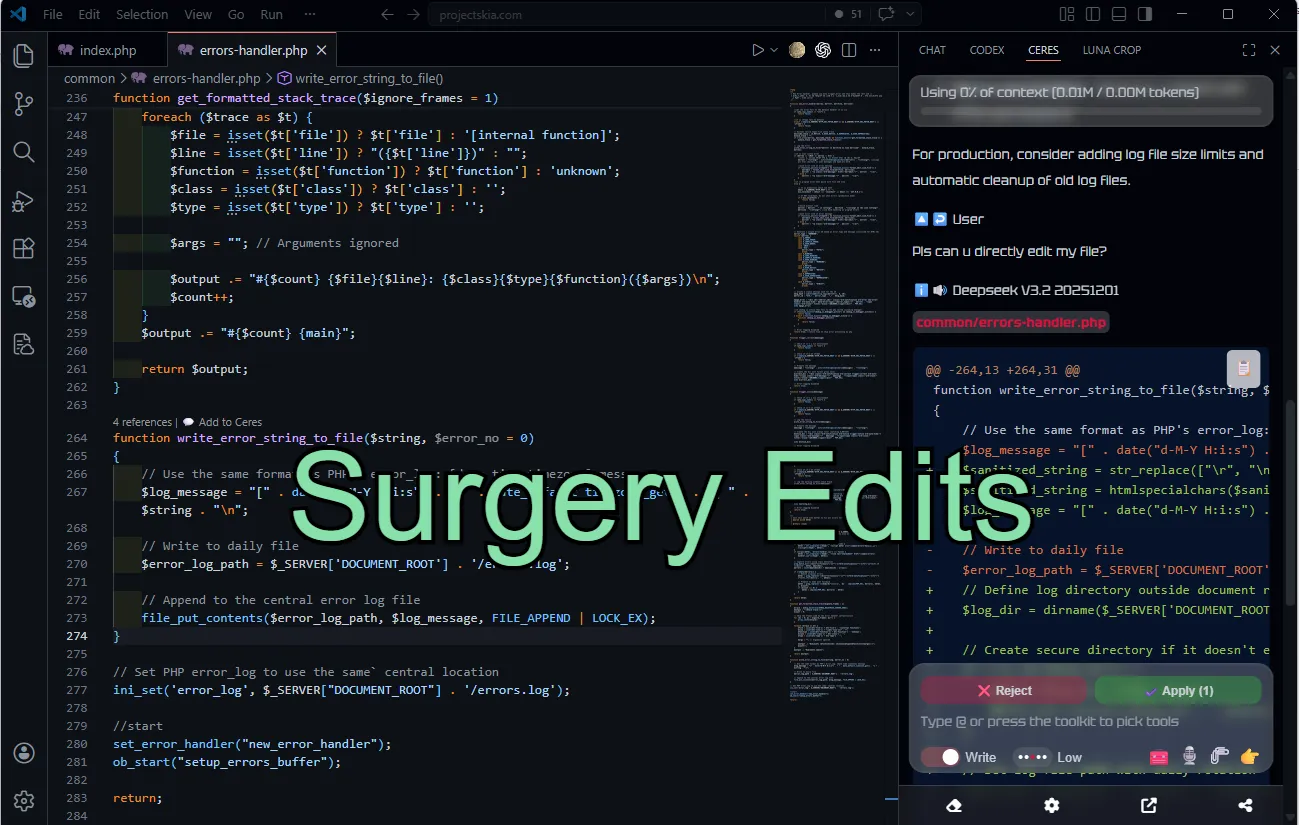
The workflow is deliberate by design. You choose the context, the assistant works from that context, and the result stays easier to understand, easier to review, and easier to apply back into the editor.

That matters even more with local models. A lighter setup, clearer boundaries, and smaller steps make the whole experience more stable for everyday work.

Useful tools to stay connected

Ceres also keeps practical repo and terminal tools close to the assistant, so the workflow stays grounded in the project instead of drifting into disconnected context.

Ceres is the only IDE extension we know of that brings active debugger state into the assistant context. With Debugger State and Debugger Snapshot, a user can keep working from a paused debugger session without collecting variables by hand.

๐ŸŒ

Search on the Internet

Look up outside information when the task needs live context beyond the files already open in the editor.

๐Ÿ–ฅ๏ธ

Terminal Integration

Keep command-line context close to the assistant when the job depends on what is happening in the terminal.

๐Ÿงพ

Git History Overview

Read the shape of recent changes faster when you need repo context before making the next move.

โฌ‡๏ธ

Before Pull Overview

Get a quick overview before pulling changes so you understand what is coming into the working tree.

How Ceres compares to IDE AI agents

This comparison focuses on IDE assistants and coding agents, not browser tools. It highlights the tradeoffs that matter when you actually code every day: whether local model support is realistic or mostly theoretical, whether the product pushes end-to-end tasks, whether it supports custom providers, and what comparable task runs tend to cost.

Feature Ceres GitHub Copilot Kilo / Cline Antigravity Cursor
Local models Real Theoretically Theoretically No Theoretically
End-to-end tasks No Yes Yes Yes Yes
Custom provider / BYOK Yes Yes Yes No Yes
Voice to text Yes Yes No No No
Terminal integration Yes Yes Yes Yes Yes
Image generation Yes need MCP need MCP Yes need MCP
Average Task Cost $0.20
($0.02 with budget model)
$0.80
(via subscription)
$2.00 $0.80
(via subscription)
$0.90
(via subscription)

Checked on April 12, 2026. IDE-agent workflow only. Task cost is a practical comparison, not an official vendor benchmark.

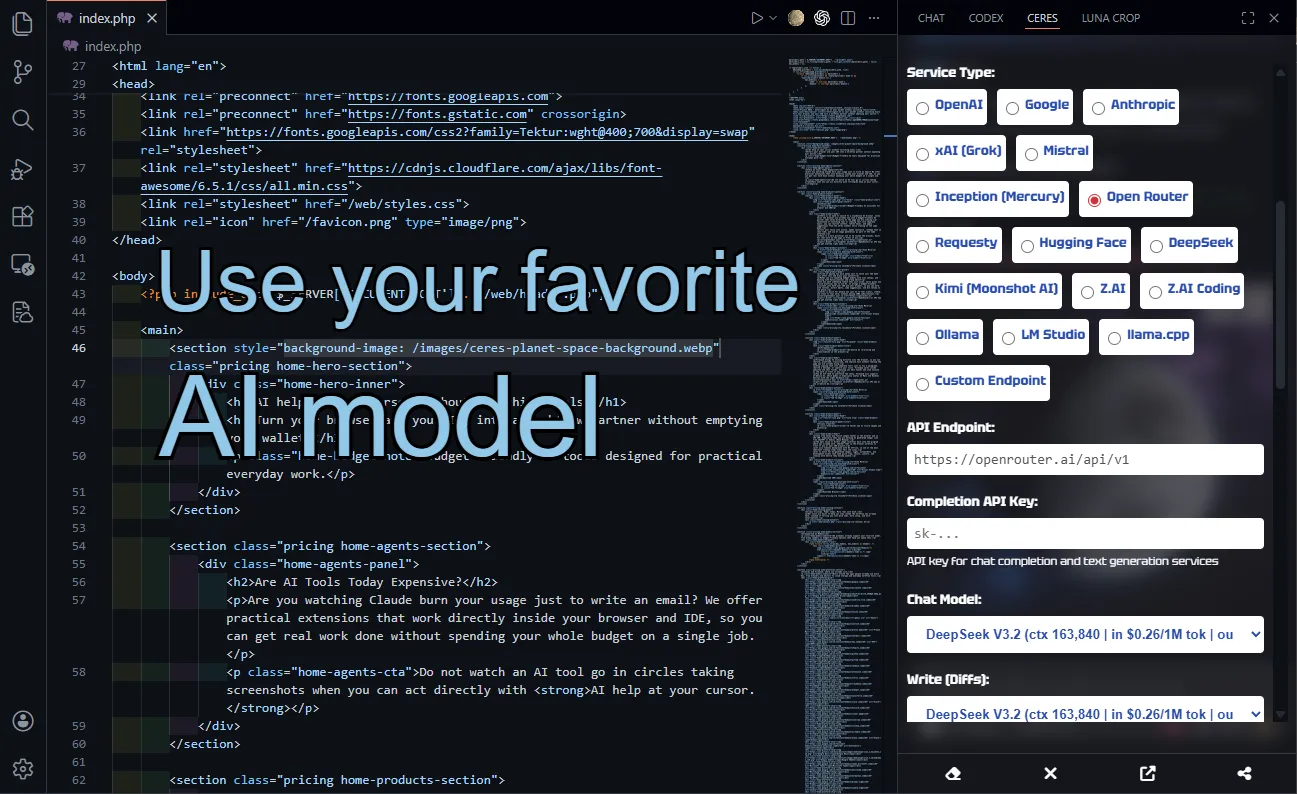
Supported AI Models

We probably already support your favorite model, from arena leaders to budget-friendly options that help you spend less.

Built for focused editor work

Ceres works best when the job is already in front of you and the assistant only needs the right context to help. It stays closer to the editor, closer to the task, and further away from the kind of uncontrolled behavior that turns a useful tool into a noisy one.

There is no subscription to keep paying and no ecosystem login you are forced to depend on. Ceres works on top of the familiar IDE workflow and helps you get the job done. It stays close to the editor and helps you work from the context already in front of you, with fewer manual steps and less context switching.

If a full autonomous agent feels like overkill for the way you work, Ceres is for you.

Join the Waitlist
Login ๐Ÿ”“
login